
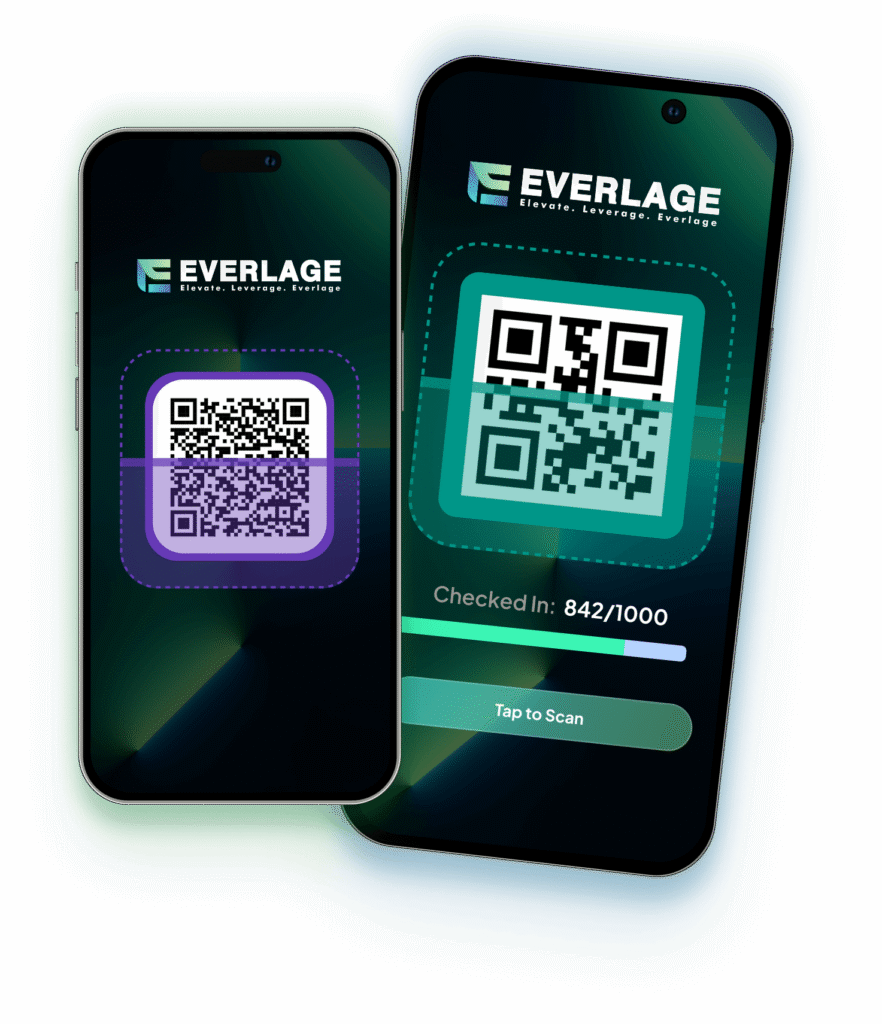
Scanner app · iOS & Android

The door is the product. Keep it moving.

Your staff logs in, picks the event and scans — on the phones they already own. Every scan updates live attendance in the operator console.

Sub-second QR validation against your account and event only. Duplicate & screenshot protection — a used code cannot enter twice. Manual name lookup for dead batteries and exceptions. Live attendance — the door and the dashboard agree, always.
Everlage scanner app validating a ticket
Ticket valid Gate A · 0.4s
1 · Log in Staff sign in with scanner credentials you control from the operator console.
2 · Pick the event Each device is scoped to the right event — no cross-event confusion at the door.
3 · Scan Green means in. Red explains why not — used, refunded or wrong event.
4 · Watch it live Attendance, gate throughput and no-shows stream into the console in real time.
0.4s Typical scan-to-verdict time
2 min Setup per device
$0 Hardware to rent — staff phones are the scanners
1 : 75 Recommended scanners per guests in peak hour
Read the playbook: 7 ways to cut check-in time