


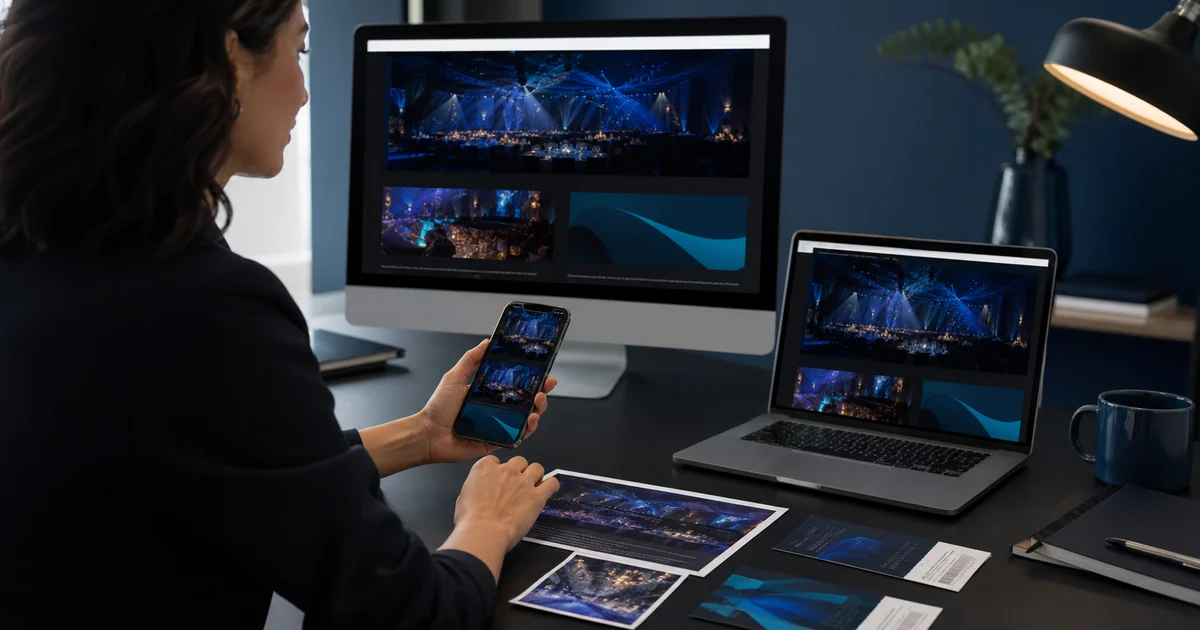
An event microsite gives one event a clear home: the reason to attend, the program, practical details and a registration action. It works best when those pages use the same information as ticketing and the team at the door. Start by deciding what a guest must know before booking, then remove everything that competes with that decision.
Build a useful page, not a long brochure
Lead with a descriptive event title, date, venue and a visible registration button. Explain who the event is for and what is included. Add the program, speaker profiles, access information and answers to common questions. Put the price, any required charges and the organizer’s cancellation policy where guests can find them before paying.
Design and publish with Everlage
In Website Designer, arrange sections, choose typography and colors, and preview desktop and mobile. Keep the draft separate from the published page until the content is ready. Classic site settings and the designer share website content, so review both when adapting an existing site. The normal designer module is included in every plan; capacity and commercial terms are shown in the live catalog.
Connect the program to the event
A conference program belongs to an event. Create or choose the event, then add sessions, tracks, locations and people. Review speaker profiles before publication. Presentation files remain private unless the required review and public-download settings permit release; receiving a file does not automatically publish it.
Already have a website?
Keep your current site and embed the event catalog or a single event. The WordPress plugin and supported HTML embeds let visitors discover events there, then continue to Everlage’s hosted event page for checkout. This approach preserves a single ticket inventory; it does not turn tickets into Shopify, Wix or Square store products.
Check the complete guest journey
Test a narrow phone screen, long titles, keyboard navigation, the selected language and every booking link. Use a test event and the provider’s test mode where available. Confirm what happens after booking and which team member handles a question or refund. A beautiful page is useful only when the next step also works.
